Jilva
Transform Any Photo
Into a Masterpiece
AI-powered fashion editorials, cinematic portraits,
and artistic styles — in seconds.
AI-powered fashion editorials, cinematic portraits,
and artistic styles — in seconds.
1000+ curated templates for fashion, cinematic, and artistic looks
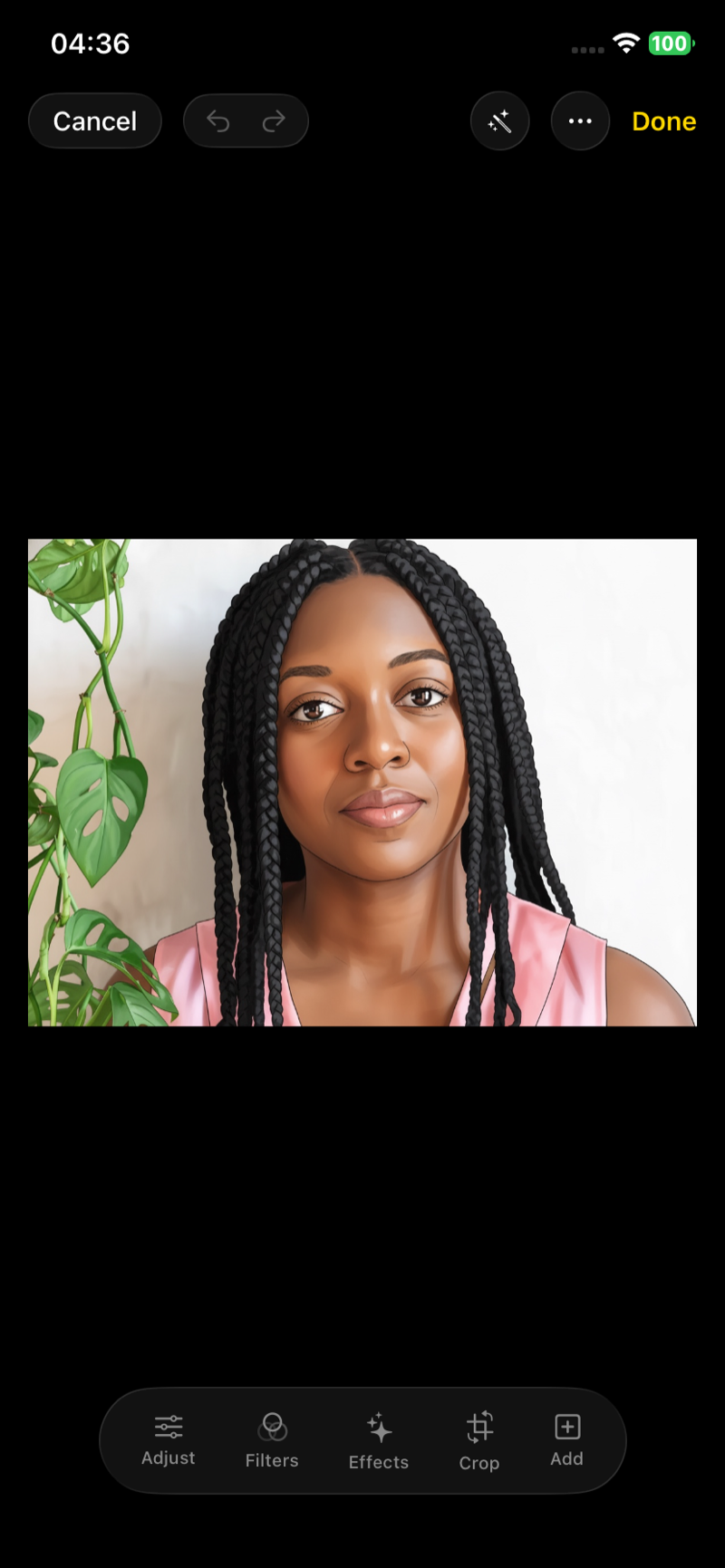
Professional tools — filters, adjustments, crop, and effects
Identity-preserving transforms that keep your face intact
Photos are never stored on our servers — your data stays yours
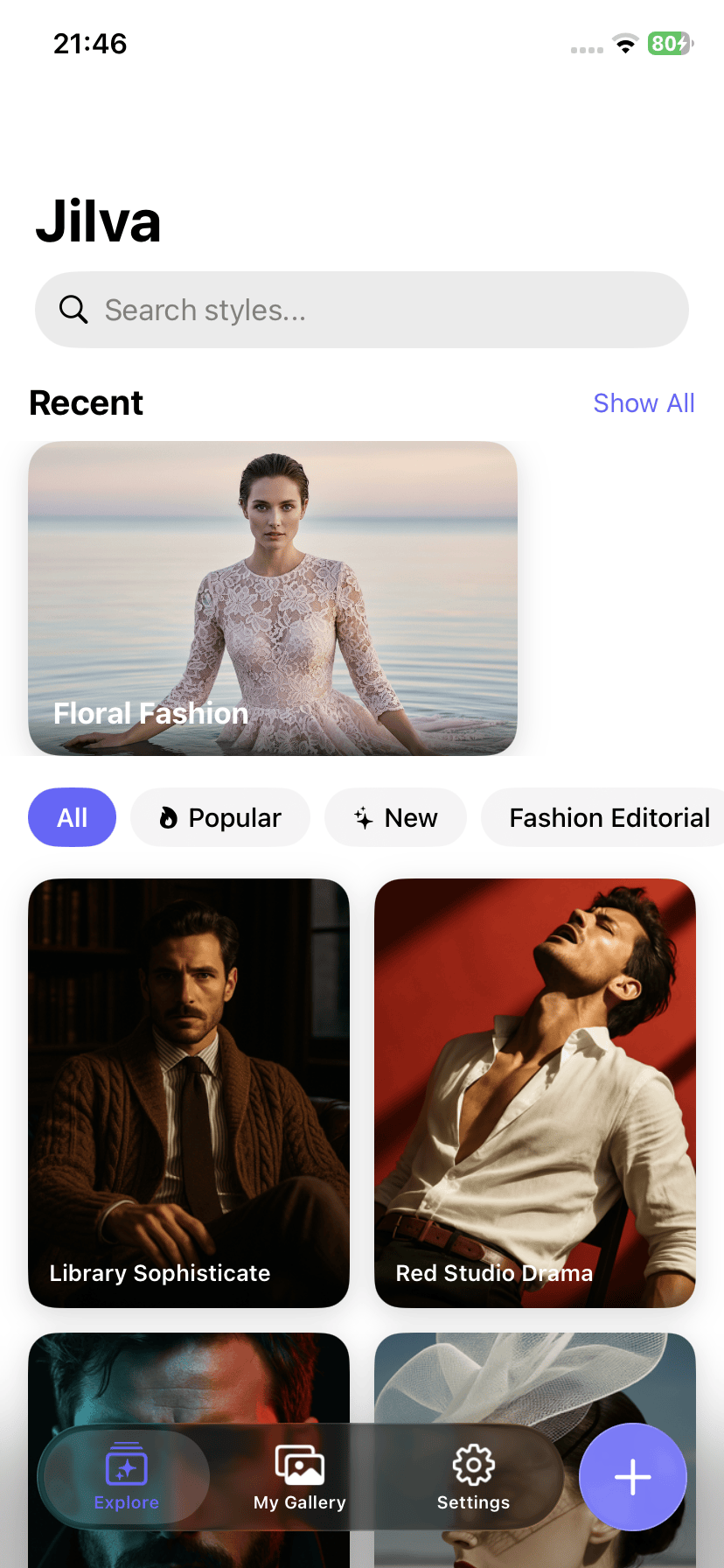
Browse fashion, cinematic, artistic, and professional templates
Take a selfie or pick from your photo library
AI transforms your photo — edit, save, and share to social
From professional headshots to anime art, Jilva's AI turns any selfie into stunning photography — no studio, no photographer, no design skills needed.
Jilva is a free AI photo editor and headshot generator for iPhone. It uses advanced AI to transform your selfies and photos into stunning fashion editorials, cinematic portraits, professional headshots, anime art, oil paintings, and 1000+ other artistic styles — all while preserving your face and identity.
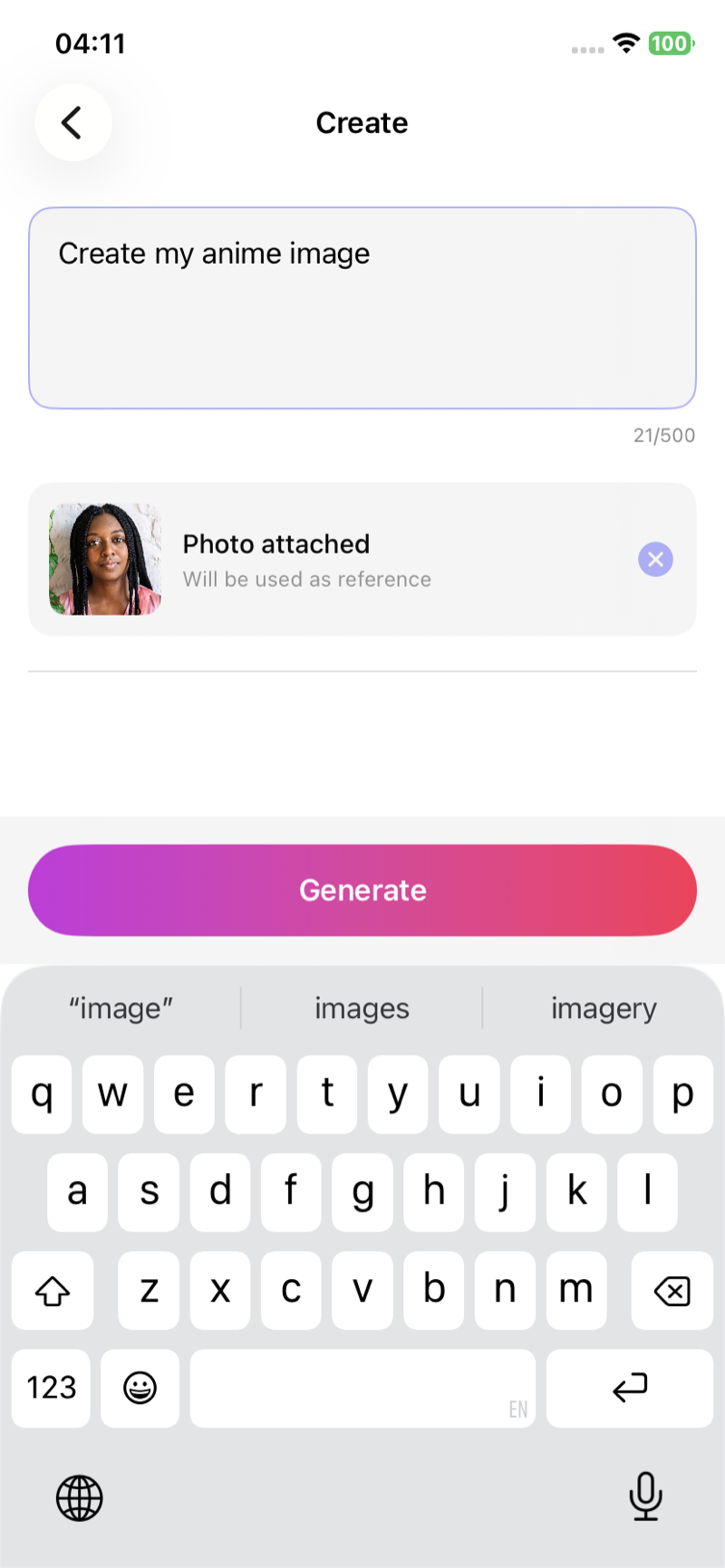
Simply download Jilva from the App Store, browse the style gallery, pick a template (fashion editorial, cinematic portrait, anime, oil painting, etc.), upload your photo, and tap generate. The AI transforms your photo in seconds while keeping your face intact. You can also write a custom prompt to create any style you imagine.
Yes! Jilva is one of the best AI headshot generators available. Upload any selfie and choose from professional headshot styles with studio lighting and clean backgrounds — perfect for LinkedIn, resumes, corporate profiles, and dating apps. No photographer or studio needed.
Yes, Jilva is free to download with 3 free AI transformations. You can earn more free generations by watching short ads. For unlimited AI styles, HD export, no watermarks, and priority processing, upgrade to Jilva Pro.
Absolutely. Jilva is privacy-first — your photos are never stored on our servers. All face detection happens on your device using Apple's Vision framework. Photos are transmitted securely to AI providers solely for image generation and are never stored, sold, or used for training.
Yes, Jilva uses face-preserving AI technology. Unlike generic AI art generators that create entirely new faces, Jilva keeps your facial features, identity, and likeness intact in every transformation — so the result always looks like you.
Jilva offers 1000+ AI styles including fashion editorials, cinematic portraits, professional headshots, anime, oil painting, watercolor, pencil sketch, pop art, vintage retro, neon noir, renaissance, cyberpunk, comic book, glamour shots, Ghibli-style art, and many more. New styles are added regularly. Plus a built-in pro photo editor with filters, adjustments, crop, effects, text, drawing, and background removal.
Yes! Jilva includes one-tap sharing optimized for Instagram Feed, Instagram Stories, TikTok, and other social platforms. Export in square (1:1), portrait (4:5), or story (9:16) formats. Your AI-transformed photos are share-ready and designed to go viral.